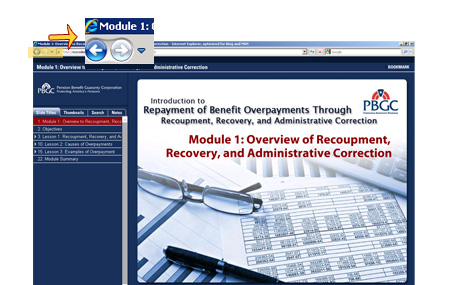
Use the browser back button at the top-left corner of the window to return to the course home page.
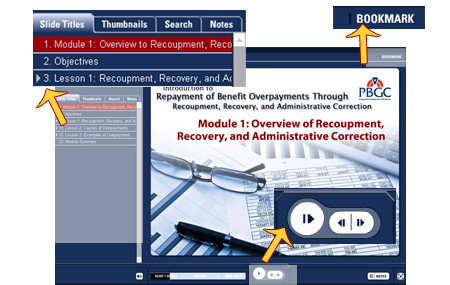
Use the navigation tools at the top, left, and bottom of the screen.
- Top navigation includes resources and presentation tools.
- Left navigation includes the course outline.
- Bottom navigation includes back and next.
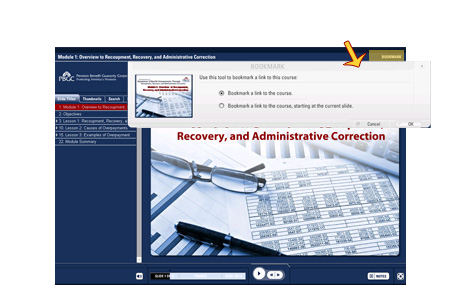
You can save the course or a slide to your bookmarks using the tab in the top navigation menu.
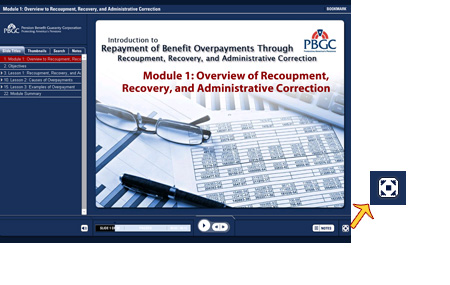
Click on the button in the lower right corner of the screen to hide the side bar or view the presentation in full screen.
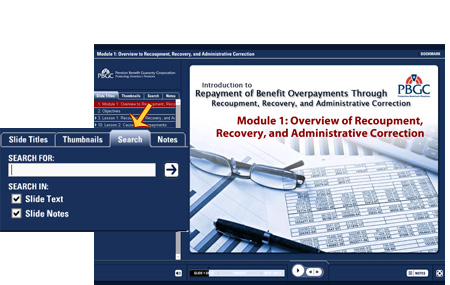
You can search this training by clicking on the Search tab on the top of the left navigation.